
Open the installed app directly, enter your user ID and password privately, and record the exact error if access fails.
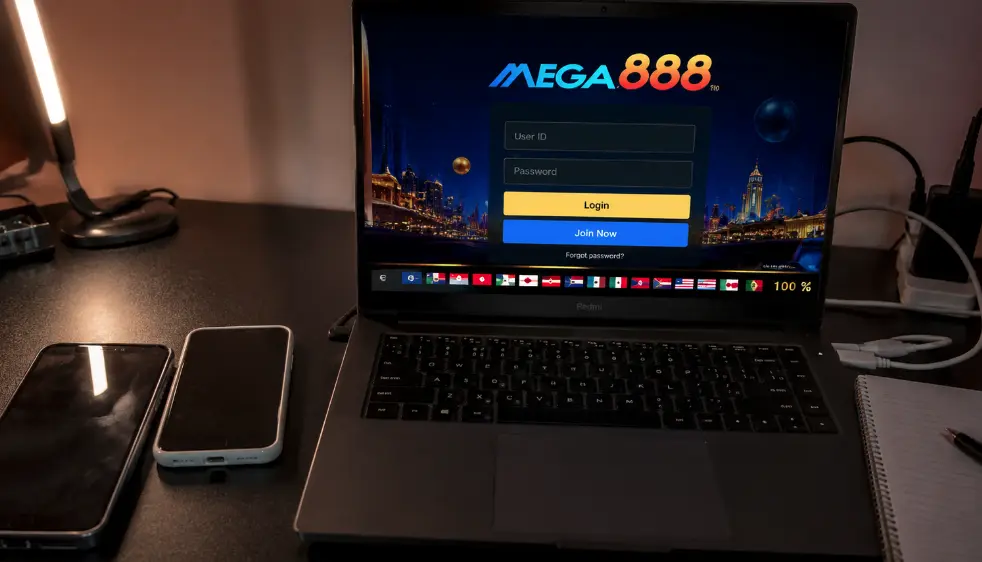
Need help accessing your account?
Contact us in the same chat used to create the account. Never send a password, banking PIN or SMS one-time code.
Safe login steps
- Open the app from your device, not a message link.
- Confirm that the app is the expected version.
- Enter your user ID and password privately.
- Check the selected language and connection.
- Record the exact message before trying again.
Common errors
| Error | Possible reason | First response |
|---|---|---|
| Login failed | Credentials or account status | Re-enter carefully, then contact our account team. |
| Code 3 | Active on another device | Log out elsewhere or wait for the session to expire. |
| Loading screen | Network, service or outdated build | Restart, test another network and verify the version. |
Password recovery
If Mega888Go created your account, our team can help you recover access or reset the password after checking the account. Contact us through your original WhatsApp or Telegram conversation when possible.
Work out whether the problem is local or account-wide
Start with one careful attempt. If the same credentials work on another trusted device, the issue is likely the app build, saved data or connection on the first device. If every device shows the same message, the account status or credentials are more likely. This simple comparison prevents unnecessary password resets.
Do not make many rapid attempts. Some systems temporarily restrict access after repeated failures, which can hide the original cause. Record the wording exactly and note whether the failure appeared before or after an app update.
Use the message to choose the next page
A generic incorrect-ID or login-failed message belongs in the login failed guide. Code 3 usually points to another session, so use the Code 3 steps before changing anything. A blank loading screen can be tested with a restart and another normal network, while an iPhone verification message belongs in the certificate guide.
Recover access privately
We may need your user ID and a description of the error to find an account. We do not need your current password, banking PIN or a code that approves a payment or device sign-in. If a new contact claims to replace your normal Mega888Go support account, return to your older conversation before responding.
After recovery, choose a new unique password and secure the linked phone number or messaging account. If an active session was not yours, tell our team that you suspect unauthorized access.
Related access guides
- Open a Mega888Go account
- Choose the exact support article
- Check a support contact
- Check the app version and platform
Login help reviewed 22 July 2026.